Following the stoppage of providing the printed Tax Clearance Certificate (TCC) in 2019, the South African Revenue Service now offers the Tax Compliance Status system (TCS). The TCS helps taxpayers manage their affairs and serves as tax confirmation to improve compliance. It provides your overall tax compliance at the time and date of viewing it. This article explains everything you want to know about getting a SARS confirmation letter
What Is a SARS Confirmation Letter?
If you are permanently relocating abroad, you must complete the tax emigration, and the South African Revenue Service (SARS) will issue a confirmation of tax non-residency letter. The letter serves as proof that an individual is no longer a tax resident in South Africa.
The hard-copy confirmation of the non-residency letter verifies that you have ceased to be a tax resident, and it does not expire. However, you will still be taxed the income you continue to get in South Africa, although your foreign income is spared. You must first undertake the emigration process with SARS to get the goodbye letter from the tax authority.
You need to obtain a SARS non-resident tax status confirmation letter to show that you have formally changed your tax status. Without this letter, you will still be obligated to pay your taxes in South Africa.
How Do I Get SARS Tax Confirmation Letter?
The TCS system enables the taxpayer to authorise any third party to use an electronic access PIN to verify compliance status via SARS eFiling. Follow the steps below to verify TCS via SARS eFiling.
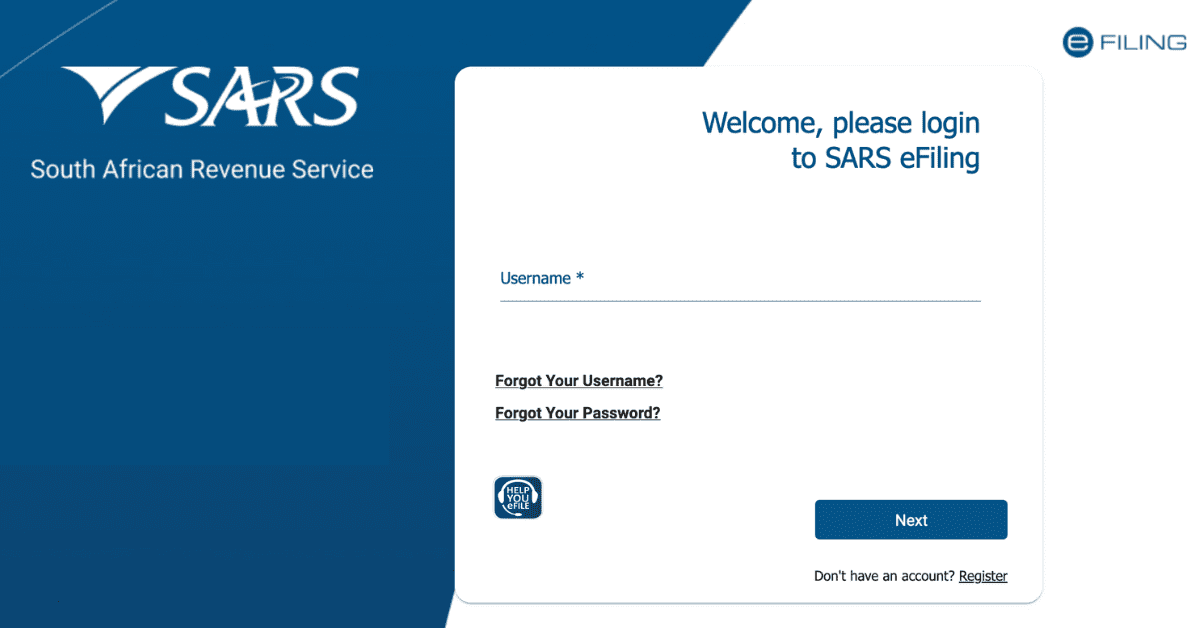
- Log in to eFiling: You must be registered on eFiling to use the TCS verification online. Authorised persons include the eFiling administrator or representative taxpayer that can activate the service.
- Activate the TCS verification service: Activation is a once-off process that allows you to set up other user groups once you log in. Click on “Tax Status” and choose “Tax Compliance Status Verification.” Complete your activation process.
- Verify the Taxpayer’s TCS: Go to the “New Verification Request” menu and capture the taxpayer’s PIN and tax reference number. Confirm the information provided to verify.
Once you verify the information, the taxpayer’s compliance will be colour-coded to show whether the tax affairs are compliant. Green means the taxpayer is compliant and red shows that the tax affairs are not in order. You can print the verification to keep your records.
Can I Get SARS Letter Online?
You can get the SARS letter or Notice of Registration (IT150) online via eFiling. When you log in to your eFiling account, click on the “Notice of Registration” tab on the home page to get your IT150. EFilers can get all SARS correspondence, including letters and notices related to Income Tax returns (ITR12), via the eFiling platform. The correspondence is available on eFiling profiles for individuals, organisations, and tax practitioners.
To view letters and notices from SARS in your eFiling profile, follow the steps below:
- Click “Returns,” then “SARS Correspondence”, and “Search Correspondence”.
- The “Search Correspondence” screen appears, showing a plethora of options available to use. If no return was submitted, no correspondence is shown.
- Select the relevant dates.
- Choose the correspondence you want to view, and the list appears on the screen.
The letters and notices you can get on the SARS Correspondence Tab include the following:
- Assessment letter
- Operations First Letter 1 and Operations First Letter 2 (Revision failed letter)
- Operations final demands 1 and 2
- Third-party letter
- Enforcement first letter
- Engagement letter
- Findings letter
- Auto finalisation letter
- Request for supporting documents
How Do I Download My SARS Certificate?
Taxpayers need to know that non-compliance can lead to penalties and interests. You can obtain your Tax Compliance Status via SARS eFiling by following the steps below.
- Log in to eFiling: if you are a registered eFiler, you need to log in with your name and password to access your account. You must have one tax product, such as Pay-As-You-Earn (PAYE), income tax, or Value-Added Tax (VAT). Activated on your profile to be able to activate the Tax Compliance Status service.
- Activate the TCS: Tax practitioners and eFiling administrators for organisations should make sure that they allocate the correct rights to users who need to use the tax compliance status. Once you activate the Tax Compliance Status, it will remain active, and you will get access to “My Compliance Profile.”
- View “My Compliance Profile”: on the menu, select “My Compliance Profile” to view your tax compliance. SARS will determine your compliance status against the four requirements below.
- Registration status- you are registered and active for the particular tax products.
- Submission of return- ensure you have no outstanding returns after the filing due date
- Debt- make sure you have no outstanding tax debts with SARS
- Relevant supporting documents- submit all the information required by SARS.
Your “My Compliance Profile” uses colour coding to show your status of compliance. Green means you are compliant and your tax affairs are in order. You must continue maintaining this trajectory. However, red means you are not compliant and need to take appropriate measures to correct the issues arising from your tax affairs. Non-compliance can lead to penalties and interest, so you must take proactive measures to avoid such a situation.
To be tax compliant, you should ensure that you complete all your returns on time. You can check your compliance status via SARS eFiling. You should get a SARS confirmation letter if you want to emigrate your tax.