eFiling by SARS is a service offered to South African taxpayers that makes it possible for them to file their income and other taxes conveniently online.
In this article, we’ll discuss how to register with SARS as a taxpayer and answer some of the common questions users have when using eFiling.
How do I register with SARS as a taxpayer?
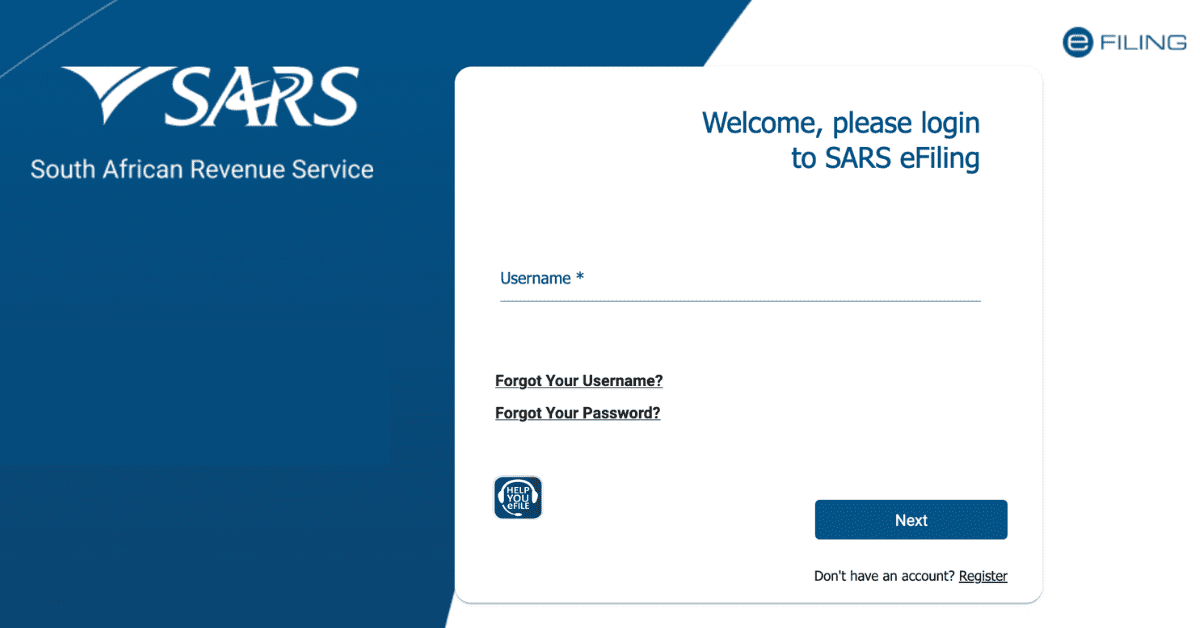
- Visit the SARS eFiling website at www.sars.gov.za
- Click on ‘Register’
- Fill out all the registration information and submit it
When you register for eFiling for the first time, you will not have a tax reference number immediately. Once SARS validates all your information, a tax reference number will be issued to you automatically.
Individuals that are unable to register via eFiling can request an eBookng appointment with SARS by calling the SARS Contact Centre. A SARS official will book an appointment on your behalf, and you will be required to visit your nearest branch to complete the registration process:
- Proof of Identity
- Proof of Address
- Proof of Bank Details
What documents do I need to register for SARS?
Whether you are registering for tax at a SARS branch or through eFiling, you will be required to provide copies of the following supporting documents;
- Proof of Identity:
- Certified copies of a valid ID document, driver’s license, passport, temporary ID document, or asylum seekers certificate with the original identification document
- If the taxpayer is a minor, you will need to provide a certified copy of the birth certificate of the minor and a copy of the parent/guardian ID document. If the parent is deceased, a death certificate must be provided by the guardian.
- Proof of Address:
Here is a list of the forms of proof of address that SARS accepts. New users must ensure that the document clearly displays the taxpayer’s name and physical address.
| | Document | Validity |
| 1 | General Accounts | |
| 1.1 | Utility account e.g. water or electricity account | Less than 3 months |
| 1.2 | Educational Institution account | Less than 3 months |
| 1.3 | Co-op statement | Less than 3 months |
| 1.4 | Medical aid statement | Less than 3 months |
| 1.5 | Mortgage statement | Less than 6 months |
| 1.6 | Telephone or mobile phone account | Less than 3 months |
| 1.7 | e-Toll account | Less than 3 months |
| 1.8 | Television licence | Less than 1 year |
| 1.9 | Retail store accounts | Less than 3 months |
| 2 | Government Issued Documents | |
| 2.1 | Motor vehicle licence | Less than 1 year |
| 2.2 | Court order | Less than 3 months |
| 2.3 | Subpoena | Less than 3 months |
| 2.4 | Traffic fine | Less than 3 months |
| 2.5 | UIF or pension pay-out documentation | Less than 3 months |
| 3 | Insurance and Investments | |
| 3.1 | Life assurance document | Less than 1 year |
| 3.2 | Short-term insurance document | Less than 1 year |
| 3.3 | Health insurance document | Less than 1 year |
| 3.4 | Funeral policy document | Less than 1 year |
| 3.5 | Investment statement from share, portfolio or unit trust | Less than 1 year |
| 4 | Lease/ Franchise | |
| 4.1 | Current and valid agreement | |
New applicants will also need to complete The Confirmation of Entity Residential/ Business Address Form (CRA01).
- Proof of Bank Details:
There are three types of proofs that can be provided. Any one of these should be sufficient.
- An original letter from your bank confirming the account holder’s name, account number, account type, branch code, and date of opening the account. This must not be older than one month (30 days)
- An original bank statement or online generated statement that is eStamped and not more than three months old and displays the same information as mentioned above. If a bank statement cannot be produced due to it being a new account, a stamped, original letter on the bank’s letterhead, not older than one month, will be accepted.
- If the wife/ husband does not have a bank account and chooses to use their spouse’s account, then a marriage certificate will need to be provided. In any other instance, an affidavit will be required.
Once registered and provided with a tax number, you can complete your registration for eFiling.
What qualifies you as a taxpayer?
The term ‘taxpayer’ refers to anyone that is obligated to pay taxes to a government. There are several types of taxes, each with its own rules and exclusions.
An individual taxpayer is one that has been assigned a tax number and is obligated to file a tax return with SARS and make the relevant tax payments. The most common type of individual tax is for employees of businesses in the form of Income Tax, which is payable on the salary that you earn and differs based on your total earning bracket.
How much must you earn to register with SARS?
Any person that receives income other than a salary, advance, or allowance should register for provisional tax. This is not separate from income tax but is a method of paying the income tax liability in advance to ensure that you do not incur large tax debt when completing your tax assessment.
There are some exclusions, though. You can be exempt from being a provisional taxpayer in 2026 if:
- You earn less than R91,250 per year and are under the age of 65
- You earn less than R141,250 and are between the ages of 65 and 75
- You earn less than R157,900 and are 75 years or older
How do I register for SARS online for the first time?
First-time SARS registrations can be done in one of three ways:
- Auto Registration for Income Tax:
When you register for SARS eFiling, upon completing the process, SARS will automatically register you and provide your unique tax number. Here are the steps:
- Visit the SARS eFiling website at www.sars.gov.za
- Click on ‘Register.’
- Fill out all the registration information and submit it
- Register through your Employer
The SARS eFiling system offers the SARS registration function that employers can use to submit employee income tax registrations to SARS on your behalf. You can get more information on this at www.sars.gov.za or by speaking to your employer about their process.
- Visit a SARS branch
If you prefer in-person assistance, you can visit a SARS branch. Note:
- You MUST make an appointment before visiting the branch
- The ONLY way to make an appointment is to call the SARS Contact Centre on 0800 00 7277 and select 0 (zero). A SARS consultant will book the appointment on your behalf and provide you with confirmation of your booking’s date and time.
Can I go to SARS without booking?
The simple answer to this question is NO! If you wish to visit a branch, the only way to make an appointment is to:
- Call the SARS Contact Centre on 0800 00 7277, and a SARS official will book an appointment on your behalf
If you are already a registered taxpayer, there are two additional ways that you can make a booking:
- Send an SMS to SARS on 47277 and request an eBooking appointment by sending the word ‘Booking’ (SPACE) ID/ Passport/ or Asylum Seeker number. This service is only for Personal Income Tax and is not available to tax practitioners.
- Request an appointment through the online eBooking form on eFiling before you go to the branch. Ensure you have all the relevant supporting documents required.
How long does SARS verification take?
Verification may be required relating to the information provided by the taxpayer on the declaration or tax return. SARS can select any taxpayer for this purpose as it is required to ensure the proper administration of tax, including on a risk basis.
If you are selected, SARS will notify you through an official letter, which will include the due date that you will need to submit either:
- The requested documents/ information/ forms or
- A Request For Correction (RFC). This will only be required if you wish to change your original declaration.
SARS will endeavour to notify you of the verification requirements relating to your return or declaration and conclude the verification within 21 business days from the date you provide all the relevant information.