Using SARS eFIling allows you to manage your tax affairs digitally, skip the queues or the hassle of mailed forms, and stay tax compliant with ease. Registering for eFiling is simple, and most people will complete it from the comfort of their homes. Here’s how to register for eFiling step-by-step.
How do I register for SARS eFiling?
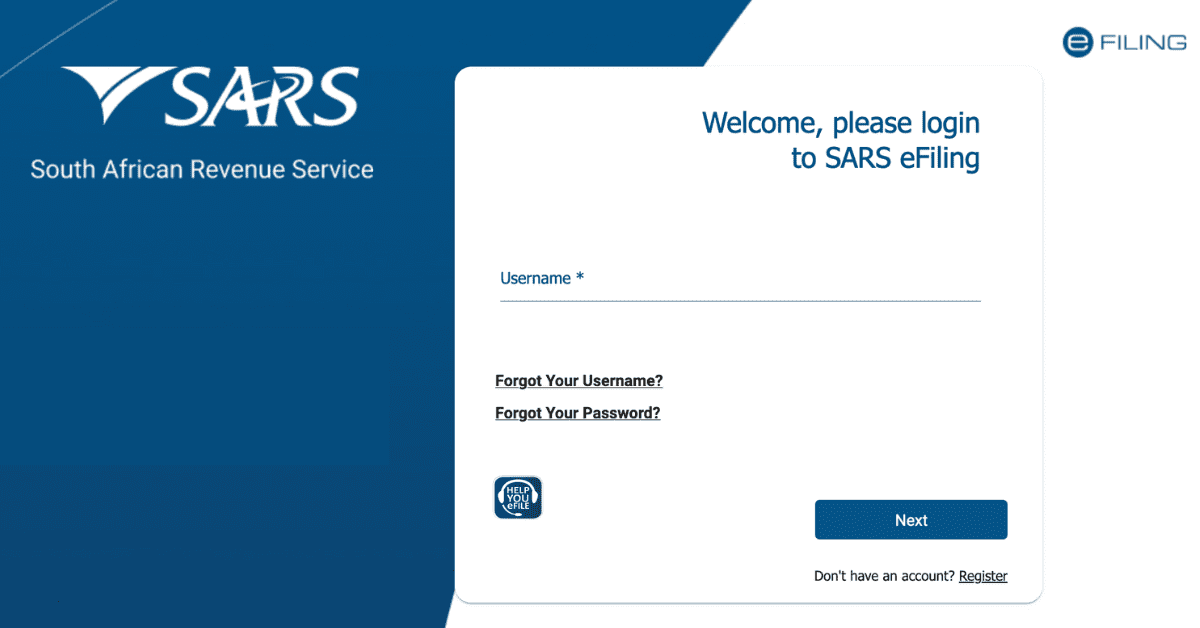
Registering online for eFiling is a simple process. Head to www.sars.gov.za and click ‘register’ to create your eFiling profile. This can also be done through the SARS MobiApp.
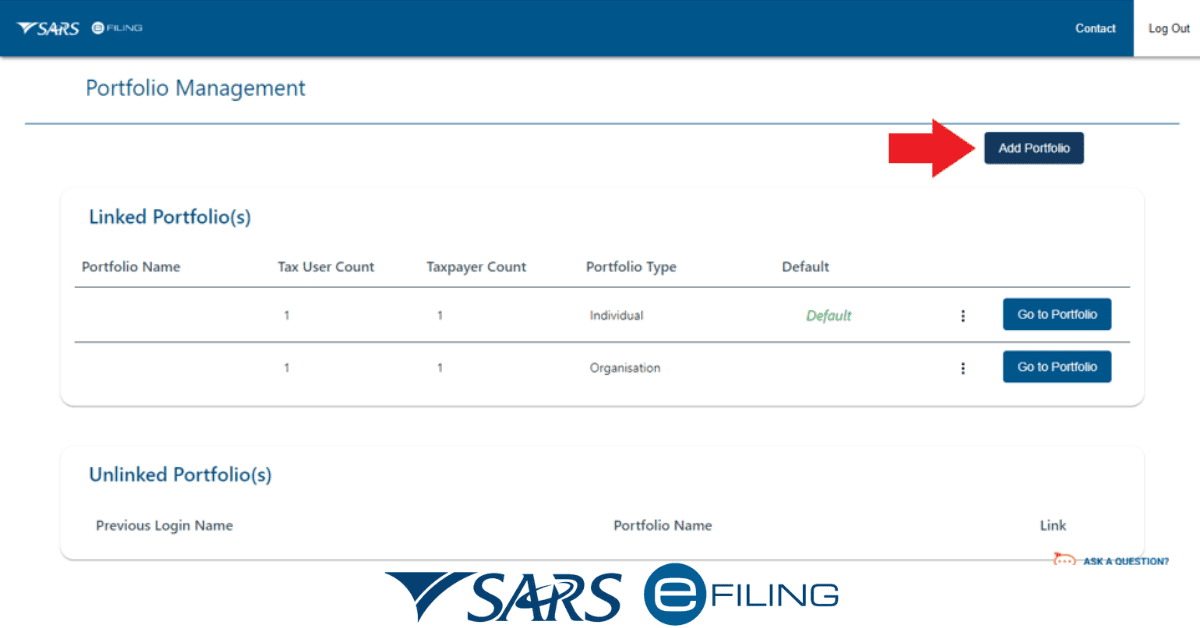
SARS eFIling will guide you through some simple steps. They will then verify the information you have entered. Once it is successfully verified, they will send you a one-time pin to complete verification. Once you register, you will set up your profile for the required tax types. There are three basic profile types:
- For individuals
- For companies
- For tax practitioners who handle many people’s tax affairs
Once you are registered, you can activate the tax types you need individually. Typically, an eFiling profile takes 48 hours to verify and complete, so it is an easy process. If you already have a tax number from SARS, make sure you have it on hand when you register. New tax payers will be assigned one upon registration.
What do I need to register for SARS eFiling?
To register for the SARS eFiling platform, you need the following:
- Your ID Document (or another acceptable proof of identification)
- OR Your CIPC registration details (for businesses)
- Your SARS income tax number
- Personal details such as bank account and address
You will be automatically prompted for these as you go through the online eFiling registration process. You may need to submit these as supporting proof to SARS through the eFiling system, so have document scans available to load for a seamless process.
When should you register for eFiling?
You must register as an individual taxpayer in South Africa within 60 days of first receiving an income. It doesn’t matter if this income is below the tax threshold (this just means you will not pay anything to SARS in tax). You must still register and receive a tax number.
For businesses, you have 21 days after you register with CIPC to register as a tax-paying entity with SARS. Again, income thresholds do not apply- you must register and receive a tax number even if you earn below the payable tax thresholds for your business type.
Is eFiling for 2026 Open?
The eFiling platform is open for registration year-round. When specific forms are required to be filed depends on the tax type in question. For example, provisional taxpayers must submit an ITP6 twice yearly, at the end of August and February. VAT is filed bi-monthly, and companies must submit their EMP201s every month by the 7th of the month.
For the payment of income tax specifically, the 2026 filing season (applicable to the 2026/2026 fiscal year) opened on 1 July 2026 and is now closed. It will reopen for the 2026 tax season (fiscal year 2026/2026) on 1 July 2026. Provisional taxpayers filing via eFiling have a longer season- 1 July of the relevant year until 23 January 2026.
Even if you have missed the deadline, you should still file the relevant forms as soon as you can and will be able to do so through the online portal. You will see a red warning that the return is overdue on the eFiling system. The sooner you remedy this, the less interest and fees you will pay, and the quicker you can return to a compliant tax status.
How do I get an eFiling tax number?
If you have not previously been registered for tax and you create an eFiling profile, you will receive a tax number automatically (as long as you have a legitimate SA ID). You can also register and receive this number on the SARS MobiApp. If your employer has already been paying PAYE for you, you may have already been allocated a tax number and will need to request it from your employer.
You can also lodge a query with SARS if you are not sure you are registered. This can be done via the SARS Contact Center telephonically, or you can submit an email query on their website.
If you have already received a tax number before you register for eFiling, the system should pick this up for you- but have it on hand in case. You can recover the number through the channels mentioned above, and it should be shown on any official SARS correspondence you have received previously.
You will not get a new tax number once you receive one except under some unusual circumstances (like fraud). If you have been out of the workforce for a long time, you will still have the same tax number you once did.
Registering for eFiling is a simple process, and being able to manage your tax matters digitally will be a convenient and easy option that skips the post system or the need to go into a SARS branch, so it is well worth doing.