This article is designed to help close the gap in UIF remuneration and benefits payouts by giving you all the information you’ll need to check your claim status online.
Can UIF be checked online?
Yes, the particulars of UIF claims, as well as registration, can now be handled online via their uFilling online portal.
UFilling is a secure online system introduced to employers to register, declare and pay UIF contributions.
Employees can also make use of the system to apply for benefits such as unemployment, maternity, adoption, and illness.
How do I know if my UIF claim is approved?
The uFilling system that the UIF makes use of in its digital reformatting was designed to make claiming as a beneficiary easy.
As well as serve as a preventive measure and alternative to in-person submissions to curtail the spread of COVID-19.
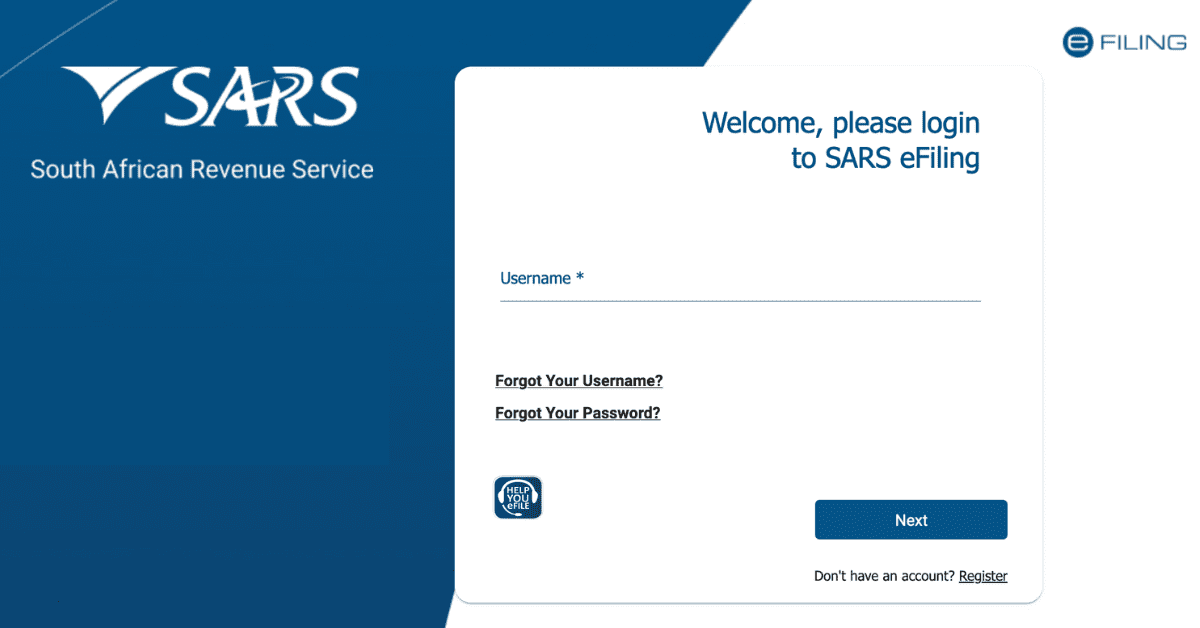
To check the status of your online claim, simply visit the UIF website at www.ufiling.co.za.
Once you have been directed to the online portal’s homepage, simply click on the “Check My Status” option.
Enter the information you are asked to provide, which serves as a security measure against fraud.
Once you have completed the abovementioned steps, you will be required by the online portal to complete a captcha request form.
Having completed all of the following steps, you should be able to check in on the progress of your claim on the website’s dashboard.
How long does it take to get UIF money after claiming?
Granted that applications for UIF benefits are made within 12 months of the termination of services by your employer.
And on the basis that the claimant was terminated from the services of the contributor, or their contract of service has expired, and the claimant did not resign from their job or abscond, with the exception of constructive dismissal.
Should claimants successfully meet all of the eligibility criteria mentioned above, the turnaround time for processing a claim should take around 15 working days.
Should your claim be approved within this 15-day timeframe, you can expect to get your money from the UIF within eight weeks.
The unemployment benefits in monetary terms will then be paid out every four weeks until all the benefits are used up.
If you find yourself without funds from the scheme after eight weeks of registering, you are advised to phone the Labour Centre and inquire about the reason for the delay.
How do I check my pending UIF payout?
The UIF has toiled away a considerable amount of effort to ensure that its processes are as streamlined as possible for beneficiaries.
Thus a number of different avenues exist that give its beneficiaries the chance to check on the status of their pending payouts.
The most simple and cost-effective of all these methods is the UIFs mobile phone service.
With it, you can call 012 337 1608 to telephonically check on the status and progress of your pending payout.
Or you can dial the UIF USSD code at #134*843# and follow the prompts that will allow you to view the status of your payout.
Alternatively, you can go the canon route of checking the status of your pending UIF payout online at the schemes uFilling portal.
Simply use a device with internet access to the scheme’s online portal at www.ufiling.co.za.
Once you are on the online portal’s homepage, click on the “Check My Status” and follow the prompts that will grant you access to the status of your pending payout.
How do I check the status of my UIF claim?
UIF Director Malasela Makgamatho announced in 2019 at a stakeholder engagement session in Rustenberg, North West.
In it, Makgamatho introduced the UIFs Supplementary Service Data (USSD) platform, enabling employees to check their registration and claim status for free in the comfort of their homes.
Makgamatho said that clients who do not have money or time to visit the Department can access the UIFs services by simply dialling the code at their convenience using any cellular phone network once it is up.
The USSD will enable clients to access information about the services of the Fund.
It will also give them the locations of the nearest office around the country, and they will also be able to use the USSD to check if they are registered for UIF.
Check the status of their application, submit payment continuation requests, and check the status of their payments.
“The extraordinary benefit of the USSD is that claimants and stakeholders will not incur any airtime cost: the service will be free,” Makgamatho said.
The service is currently active and online, and you can access it by dialling #134*843# and following the prompts that will allow you to view the status of your payout.
Can I check my UIF balance?
The Unemployment insurance scheme has made it so you can check your UIF balance at any time, without having to get in touch with your employer.
By accessing the UIFs app or website, you can check the status of your balance in real time with no hassle.
Should you be without access to a smartphone or internet-connected device, you can visit any retail outlet where internet banking is supported and ask them to check your balance.