When you buy a property that exceeds R1 million in South Africa, you will be levied a tax known as a transfer duty declaration. You can do this by completing the TDC01 on eFiling. This guide explains the steps you should take to activate your transfer duty account on eFiling and how to complete your TDC01 Declaration.
What Is Transfer Duty Declaration(TDC01)?
Transfer duty declaration is known as the tax levied on the value of the property you acquire through a transaction, donation, or other means. In this case, property refers to land, rights to land, fixtures, or a share in a share in residential property company. The South African Revenue Service (SARS) requires all conveyancers to register with it.
The following are the transfer duty rates that are levied on properties and are applicable to all persons, including close corporations, companies, and trusts.
| Property value | Rate |
| 1-1 000 000 | 0% |
| 1 000 000 – 1 375 000 | 3% of the Rand value above R1 000 000 |
| 1 375 001 – 1 925 000 | R11 250 + 6% of the value above R 1 375 000 |
| 1 925 001 – 2 475 000 | R44 250 + 8% of the value above R 1 925 000 |
| 2 475 001 – 11 000 000 | R88 250 +11% of the value above R2 475 000 |
How Do I Register for Transfer Duty SARS?
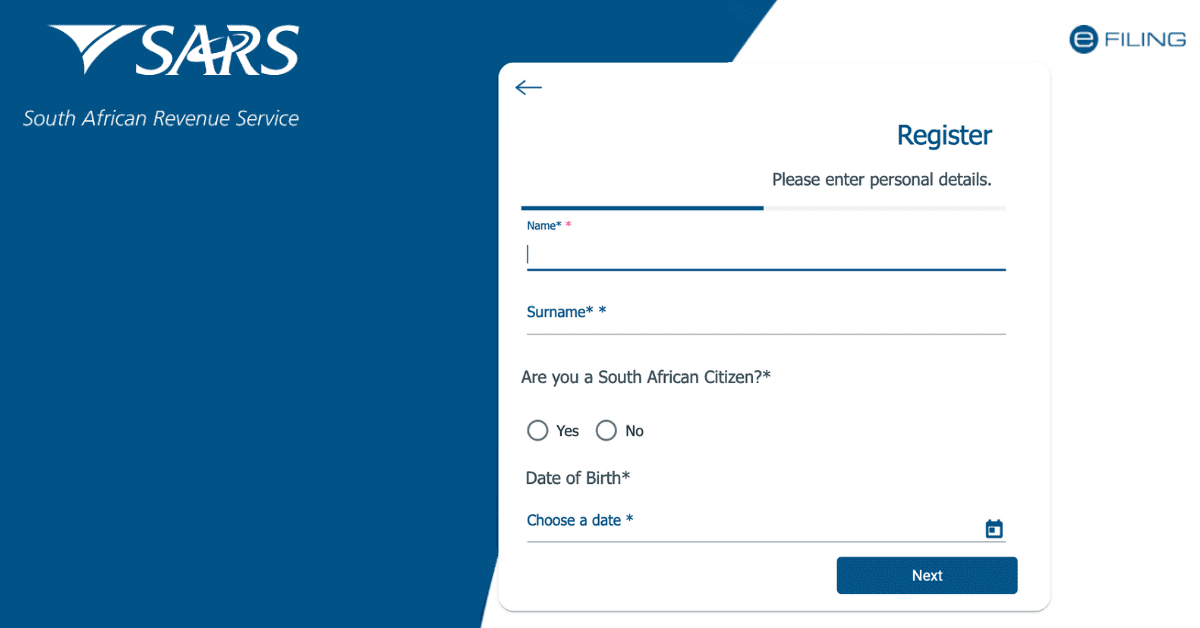
To register for Transfer Duty SARS, you must be registered for eFiling, or you must have an eFiling account. If you don’t have an eFiling profile, you must create one first before proceeding to transfer duty registration. To create an account, you must visit the eFiling profile and follow the prompts on the screen.
Once you create your eFiling account, the next step is to log in and go to the menu “Duties and Levies” found on top of the screen. On the side menu, click on the tab “Transfer duty/Register/Amend.”
Complete the registration process by entering your income tax number and submitting it. You will receive a financial account number once your registration is successful. To submit your Transfer Duty Declaration, you can do it via eFiling or Third Party Conveyance systems that are integrated with SARS.
Supporting documents may be required, and the Conveyancer must upload them electronically. This documentation can include the following:
- Power of authority
- Minutes of the meeting and copy of the trust deed showing the authorized person to act on behalf of the trust.
- Representative taxpayer’s valid ID, driver’s license, or passport
- Original bank statement or ABSA eStamped copy of three months’ bank statement confirming the account holder, legal name, account type and branch, and account number. If your bank account is less than three months old, an official letter verifying the account holder must be obtained.
- Pro of of physical or business address.
SARS will approve your application once you are satisfied with the documentation provided. The system automatically produces a receipt after approval if there is no payment required. If a payment is required, the conveyancer must pay electronically, and the receipt will be produced.
To ensure the process is seamless, the parties involved in the transaction should ensure that their tax affairs are in order. All compliance issues must be met before the appointment of a conveyancer or an individual who acts as an agent who must pay SARS the duty from the proceeds of the property sale. All details must be correct to avoid delays in processing the transfer duty.
How Can I Avoid Paying Transfer Duty?
One can avoid paying transfer duty under the following circumstances:
- Divorce: If property is awarded to another spouse in case of divorce order, no transfer duty will be levied. This exemption applies to all marital or civil unions. However, if the parties involved reach an out-of-court settlement and the other acquires the property, they will be liable to pay transfer duty.
- Marriage in community house: when you own a property and get married in a community property, your partner automatically becomes an owner without any transfer of duty.
- Cancelled transaction: If the transaction in a property purchase is terminated before registration at the Deeds Office, no transfer duty will be paid.
- Inheritance: beneficiaries of properties inherited from the deceased estate are not liable to pay transfer duty. Even if the deceased had no valid will, transfer duty will not be paid.
Who Is Responsible for Paying Transfer Duty?
The buyer of a property is liable for paying transfer duty. The acquisition date is recorded as the purchase date where the parties involved must sign the contractual agreement. Transfer duty is not determined by the availability of financing, but the date when the agreement between the buyer and seller is signed.
If you are the buyer, you can enlist the services of a conveyancing attorney to handle the transfer of property ownership to your name. An attorney can also handle other aspects like duty payment on your behalf. However, the fees paid to the attorney are covered by the buyer. Even if the seller appoints a conveyancer, the buyer is responsible for the fee.
When buying property, it is essential to know all the costs involved to make an informed decision. For instance, additional expenses like transfer duty can impact your budget. To make the process of buying a home easier, you should understand all the costs that might be involved. It is a good idea to enlist the services of a conveyancer to handle the process on your behalf.