NSFAS will make it possible for hundreds of thousands of South Africans to pursue tertiary education at one of 26 public universities or 50 TVET colleges. Sometimes the wait to know whether or not you’ve been funded can be challenging. Thankfully, this is everything you need to know about whether you’ve been funded, including a detailed guide on how to get NSFAS proof of funding letter.
What is NSFAS Confirmation?
NSFAS works in three phases: qualifying students, approved for funding, and funded students.
The process begins by doing a preliminary evaluation of your application and running the necessary checks to see if you are eligible for NSFAS funding (qualifying student).
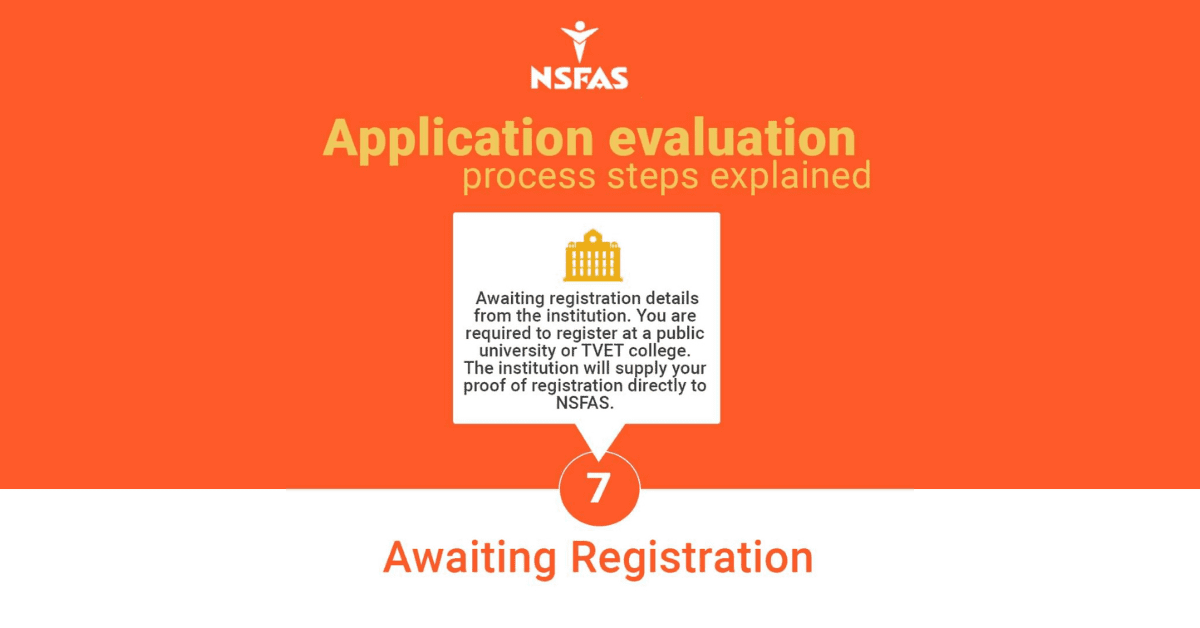
If you are eligible, your funding will be approved preliminarily, as NSFAS awaits confirmation that you have registered and been accepted at an institution (approved for funding).
If you make it to this stage, you’ll get official confirmation of your funding and have to sign the relevant legal documents; you’ll also get access to your NSFAS allowances (funded student).
You will only get this NSFAS confirmation after applying to universities or TVET colleges, and communication will be made by email, SMS, or on your myNSFAS dashboard.
How Do I Get Proof of NSFAS Funding?
Technically, you don’t need proof of NSFAS funding to register at a public university or TVET college, as NSFAS communicates with these institutions through their systems.
However, you may still want to get your proof of funding to be 100% certain or to find and obtain private residence. Thankfully, doing this is a two-step process.
Step 1: Log in to Student Portal
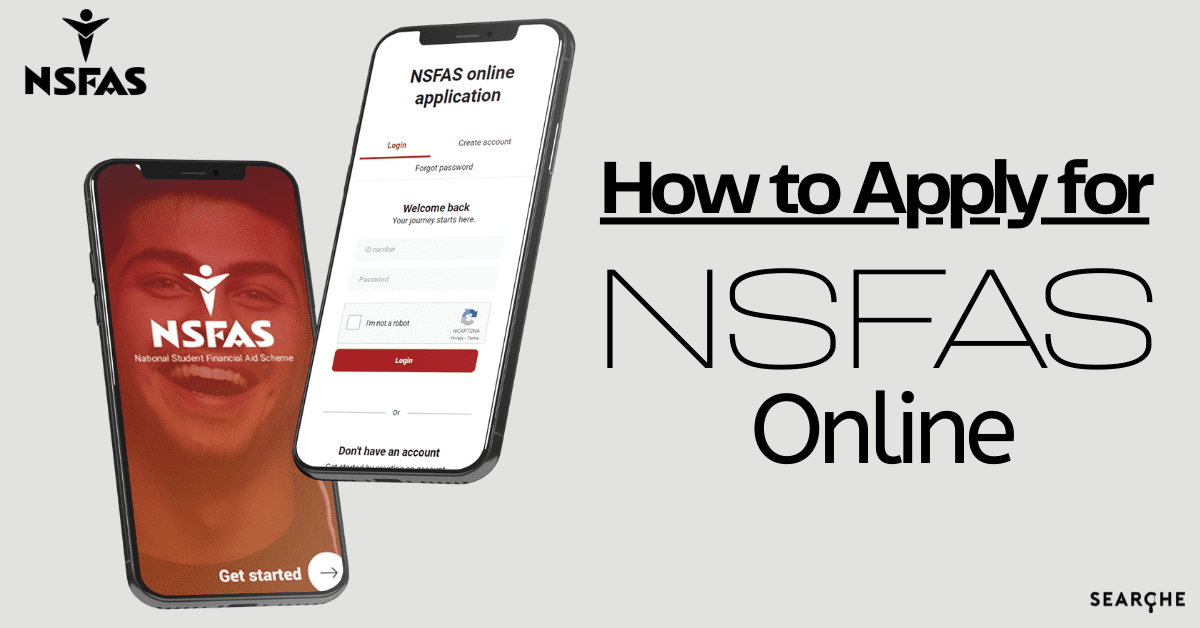
You’ll first need to go to www.nsfas.org.za. Select myNSFAS at the top of the page and enter your login credentials — ID number and password — you entered when applying. If you forgot your password, select “forgot password” and enter the cellphone number or email address you still have access to, then follow the prompts NSFAS sends you.
Step 2: Navigate to Track Funding
Once you’re logged into your NSFAS student portal, navigate to “track funding” to find progress on your funding and your funding letter, which you should be able to download.
How Do I Get NSFAS Funding Letter?
All NSFAS communication with you will be electronic. So, all updates on funding with NSFAS will be done through your student portal or sent to you via email.
Via Email
If your studies have been funded by NSFAS, you’ll receive an email informing you of this update. Typically, this email will come after you’ve registered at a university or TVET College.
You can check your email frequently after registering to determine the progress of your NSFAS funding.
Once NSFAS has sent you an email confirming that you’ve been funded, you can download the letter attached or follow any steps to get the letter.
Via MyNSFAS Student Portal
NSFAS will always communicate via your myNSFAS account. So, if you want to get your NSFAS funding letter, you can log in to your student portal and navigate to track funding, followed by the funding letter to download a copy.
If you aren’t having any success with the aforementioned options, contact NSFAS on social media or email NSFAS.
How Do I Know if NSFAS Has Funded Me?
Getting approved for funding and getting funded by NSFAS are two different processes.
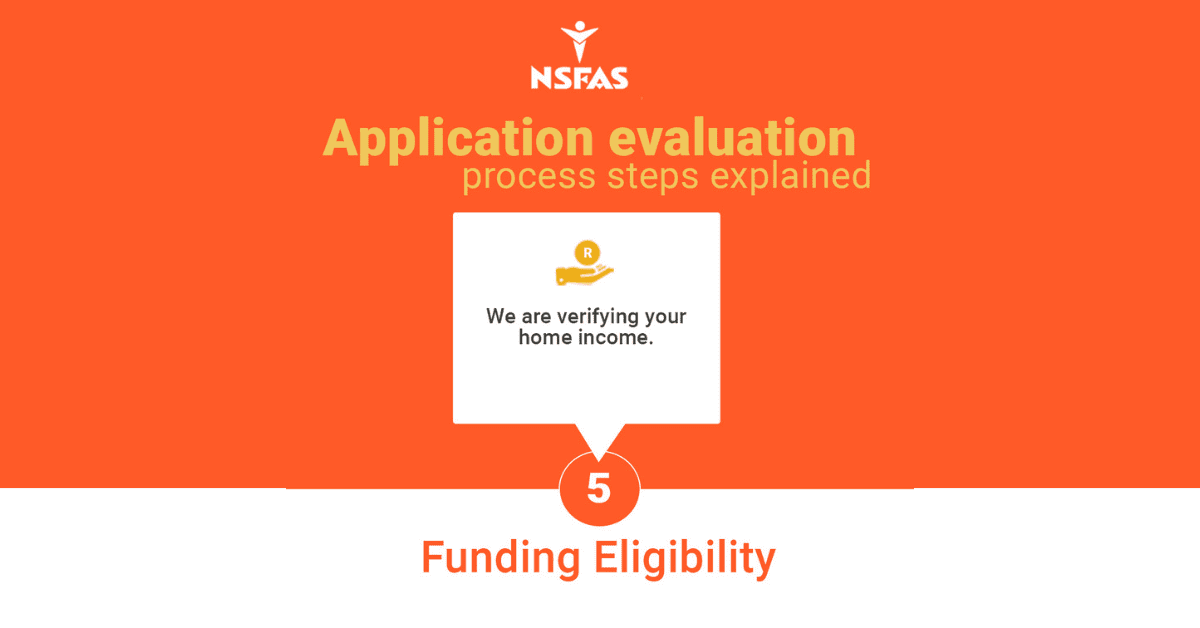
The first step in the process is for NSFAS to determine that you are eligible for funding. NSFAS will assess whether you meet the eligibility criteria based on your household income, SASSA recipient status, and disability status. The assessment is based on the documentation you provide when signing up.
You will know whether NSFAS is willing to fund your studies almost immediately or at least within two weeks of submitting all relevant documentation.
The next step is for you to apply to universities or TVET colleges. If your application is approved at a university or TVET college, the institution will communicate with NSFAS about your acceptance.
NSFAS then generates a contract for you to sign, which they will send to you via email and generate on your student portal.
Once you’ve received that contract, you know that NSFAS has funded you.
What is NSFAS Confirmation Letter?
An NSFAS confirmation letter is a letter confirming that you have been funded at a public university or TVET college that you’ve applied to; this letter won’t be sent to your residential address. Instead, NSFAS will upload your confirmation to your MyNSFAS student portal and email you confirmation.
The letter is proof that you’ve been funded by NSFAS and now have access to your NSFAS allowances.
If you have any more questions or queries about getting your proof of NSFAS funding or NSFAS funding letter, you can email info@nsfas.org.za or message them on Twitter @mynsfas or Facebook @nsfas.org.za.