One thing that is misinterpreted is the UIF TERS. The TERS payment is another branch of UIF that looks at how to support workers affected by the COVID-19 pandemic by creating a financial support program.
The UIF TERS provide some sort of remuneration for the workers who have been adversely affected by COVID-19, being the loss of a job or having working hours reduced drastically.
Sometimes it can be very difficult to access these benefits due to their complication, which involves different error codes.
One of the most encountered errors code is “bank verification error” or “failed bank verification”.
Once you put in your application for the UIF TERS, you are required to complete and verify your bank account details for payment purposes. These error codes that arise usually come from that side, making it difficult to get their payment.
In this blog post, we will look at what to do about “Failed bank verification” as part of the UIF TERS error code, the timeline for UIF bank verification, and many more.
What To Do About ‘Failed Bank Verification’ UIF TERS Error Code
The COVID-19 pandemic certainly affected many individuals, especially those working in large numbers. As we know, there were so many restrictions, at some point, people working in large groups had to work in small groups. The need arose for employers to cut down working hours for some employees and also lay others off due to the economic effect COVID-19 brought.
All these issues, which may not be considered preliminaries but severe, created an intervention that led the South African government to provide support to these affected workers.
Certainly, people lost their income as a lot of people were not able to work. The introduction of The Temporary Employer/Employee Relief Scheme (TERS) was a great initiative to support individuals whose income was affected because of the pandemic.
People were encouraged to apply for UIF TERS, but not all were able to receive their funds due to errors. And most of these were attributed to “failed bank verification.”
If you find yourself in this situation, here are the simple steps to follow if your UIF TERS error code which is “failed bank verification”.
- Call the UIF customer service centre using this number 0800030007
- Listen to the voice prompt and select the “TERS” option
- Once your call has been connected to an agent, inform the agent you wish to do a manual bank verification
- The agent will proceed to ask you about 3 to 5 security questions
- Proceed to answer the questions to confirm your details.
- The agent will further process your manual bank verification.
Why does bank verification fail?
The bank verification process is one of the most crucial steps in the UIF TERS program. Having your bank verification fail can be exhausting, but sometimes, the important details missing can cost you a loss.
Following nemours complaints regarding fraud within the UIF TERS payment, the introduction of bank verification came up. Also, individuals who were always in haste provided the wrong bank account details.
When this happens, it creates a backlog in the UIF system making their operations difficult.
As part of the measures to curb this, the UIF introduced a bank verification system.
So why would one bank verification fail? What causes bank verification to fail?
Having your bank verification fail could mean two things.
First and foremost, your bank account details provided during the UIF TERS process must correspond with your details, including your ID, full name, date of birth, and others. Without getting these details right, your bank verification can easily fail. It is assumed that the process is not complete, and the system will automatically ignore your input.
Also, if your details provided, especially the branch and bank account number, do not match.
It is important to double-check this information to avoid bank verification problems.
How long does UIF bank verification take?
The UIF bank verification process usually takes time, and this is due to several complaints lodged against fraud and verification issues.
The timeline for the UIF bank verification can differ within months. And this has to do with the number of applications received within that period. When this happens, the bank verification process can halt for a few days, affecting individuals looking to receive their approval.
UIF assured the public about new measures to fastrack bank verification and payments.
It is known that the UIF bank verification can take 24 to 72 hours for that process to complete. This is because UIF has to ensure details entered on the portal, as well as information given in the bank account details, match.
The 24-hour to 72 hours is limited to the automated bank verification conducted by UIF before the payment.
However, individuals who must go through the manual bak verification must wait for 7 to 14 working days.
How will I know if my UIF is approved?
It has become easy for UIF to serve the public because of the various communication available. For one to know his UIF status, whether approved or not, the individuals can consider the following.
To know if your UIF is approved, you can simply put in a request to the UIF to know the status of your account by sending your details to online.BCP@labour.gov.za. It is important to provide your full name, ID, and date of birth in order for the officer who receives your email to check. Within 2 to 5 working days, you should receive an email stating your UIF approval.
Also, individuals who are in a hurry can walk to the labour office of their choice to request their UIF status.
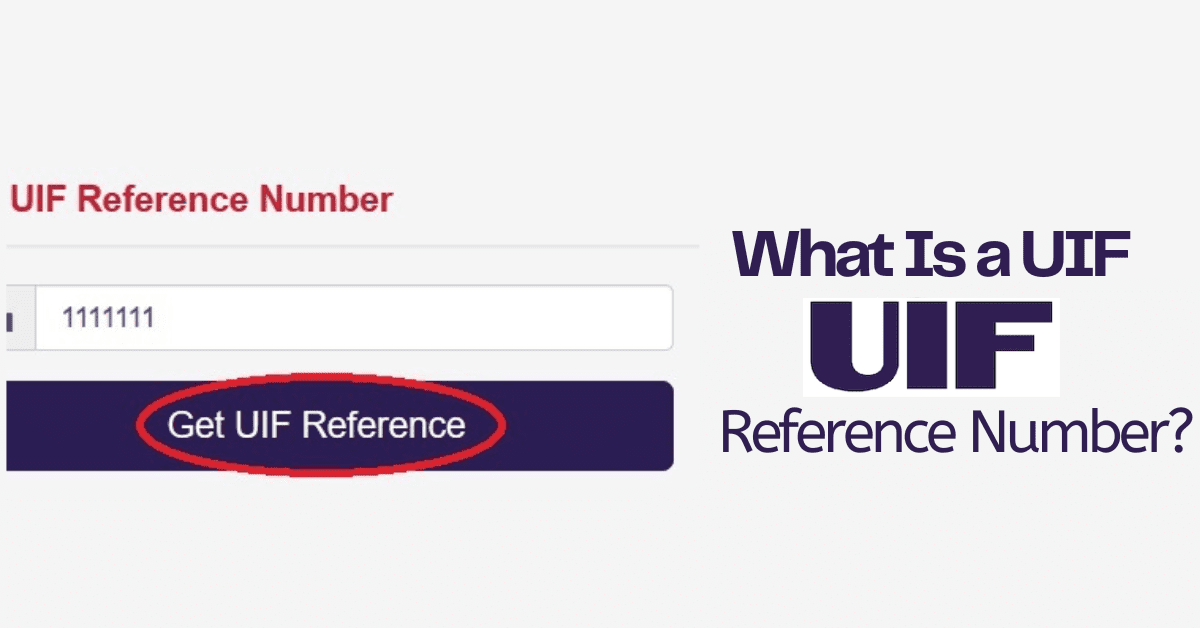
If you are familiar with the UIF portal, you can easily log into your profile, look out for online service, enter your UIF reference number, complete the verification captcha, and see the status of your UIF account.
Lastly, you can also phone the UIF contact center via 0123371680 or 0800030007, follow the voice prompt, and be connected to an agent. Proceed to address your queries and get your answer within a few minutes.
How do I know if my bank account is verified?
The bank account verification could be automated and also could be done manually. Both of these methods can work fine, but the timeline on these two are vast.
Individuals wishing to know if their bank account is verified can contact the labour center for further information.
Also, you can log into your profile to see the status of your account. Once the account reads, approved, or awaiting payment, it certainly confirms your bank account has been verified.