The National Student Financial Aid Scheme (NSFAS) is a South African government initiative that provides financial assistance to students from poor and working-class families to enable them to pursue tertiary education. NSFAS provides funding for tuition fees, accommodation, textbooks, and other related expenses.
To address the challenges of student debt and financial exclusion, NSFAS has implemented several innovative strategies. These include introducing a digital system for the application and disbursement of funds, partnering with private sector organizations to provide additional funding, and piloting a program to provide laptops to qualifying students. The scheme also offers career guidance and mentorship programs to help students succeed academically and professionally. These efforts have helped to increase access to higher education for many disadvantaged students in South Africa.
What does it mean when NSFAS says user profile locked?
When the National Student Financial Aid Scheme (NSFAS) notifies an applicant that their user profile has been locked, this indicates that the user’s account has been temporarily suspended for either violating the terms and conditions of the service or for reasons relating to safety and security.
This may be the result of a number of factors, including unsuccessful attempts to log in, suspicious activity, or a failure to satisfy the requirements for receiving funding.
In these scenarios, the user must get in touch with the NSFAS customer support team to resolve the problem and regain access to their account.
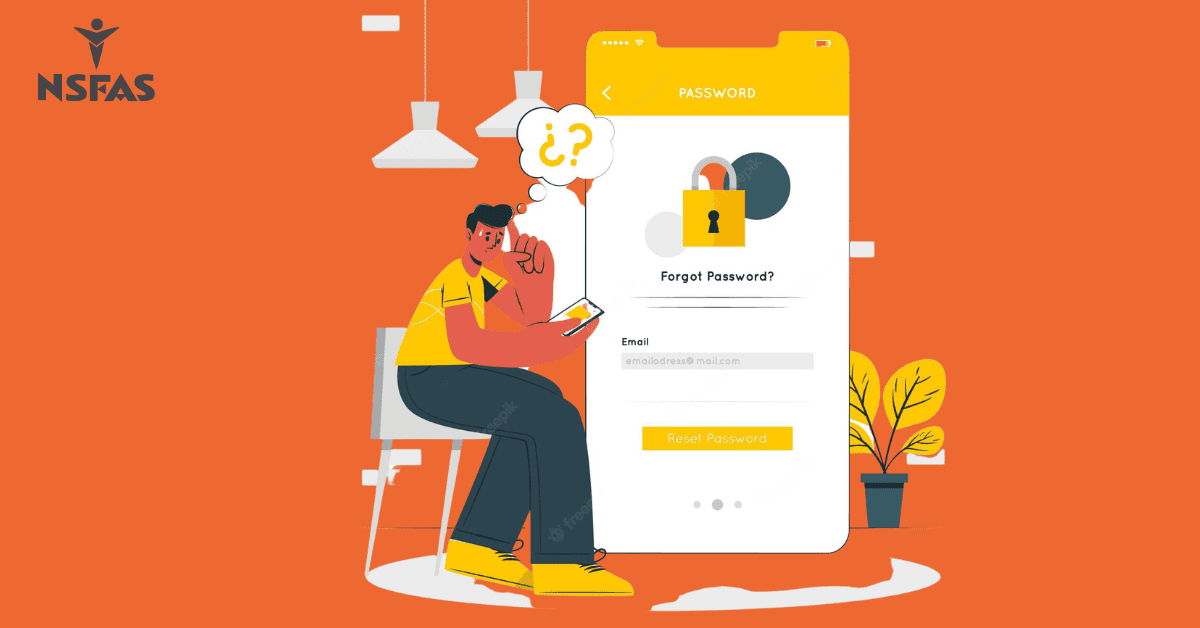
How to reset NSFAS password to unlock user profile
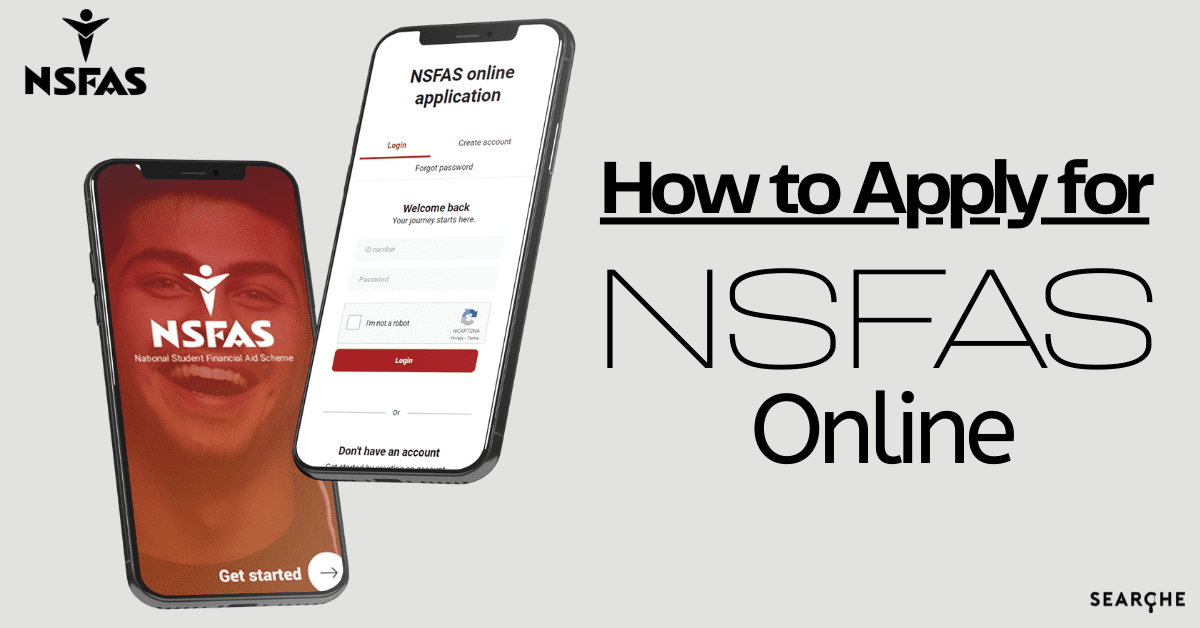
The National Student Financial Aid Scheme (NSFAS) in South Africa helps eligible students pay for college. Students must register on the official website and log in to use NSFAS. Students may forget their login credentials and struggle to access their profiles for various reasons. Password forgetting is common. Resetting your NSFAS password to unlock your user profile is easy.
Step 1: Visit the NSFAS website to reset your password
Step 2: Click “MyNSFAS Account” in the top right corner after visiting the website.
Step 3: Below the login button is a “Forgot Password” option. Click to continue.
Step 4: Clicking “Forgot Password” will take you to a page where you must enter your email address. Enter your NSFAS email address.
Step 5: After entering your email address, you must complete a reCAPTCHA to prove you are human. To finish, follow instructions.
Step 6: After reCAPTCHA, click “Submit.”
Step 7: NSFAS will email password reset instructions. Follow the email instructions. Clicking a link will usually take you to a password reset page.
Step 8: Clicking on the email link will take you to a password reset page. Retype your new password. NSFAS requires your new password to contain uppercase, lowercase, and numbers.
After resetting your password, log into NSFAS with your email address and new password.
How long does it take to reset a password on NSFAS?
On the NSFAS platform, it’s easy to reset your profile password. You just need to go to the NSFAS website, click on the “Forgot Password” link, enter your username, answer the security question, and create a new password. This usually takes a few minutes, and you can use the new password right away.
Can I delete my NSFAS account and apply again?
It is possible to make alterations to your application by logging in and making the necessary changes to your profile.
Unfortunately, you cannot simply cancel your NSFAS application and start the process over. Your application and registration information will remain in the NSFAS database indefinitely after you’ve completed the registration process.