If you are a SASSA beneficiary, there are different methods you can consider to receive your funds. You must choose a convenient withdrawal method that suits your situation. This article explains everything you want to know about withdrawing SASSA relief funds from Absa ATM.
Can I Withdraw SASSA Money at Absa ATM?
If you have a bank account, your SASSA payment can be deposited into your account. Once the money is in your account, you can use your debit card to withdraw your funds from the ATM. If your bank is ABSA, using your card to get your money from the ATM will be more convenient.
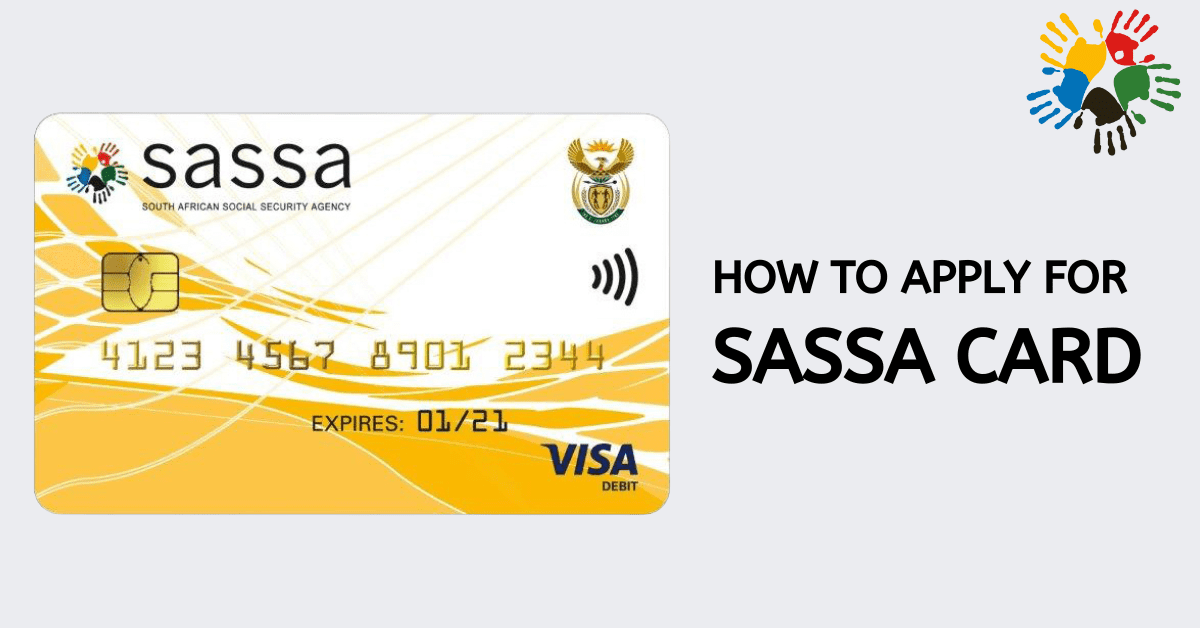
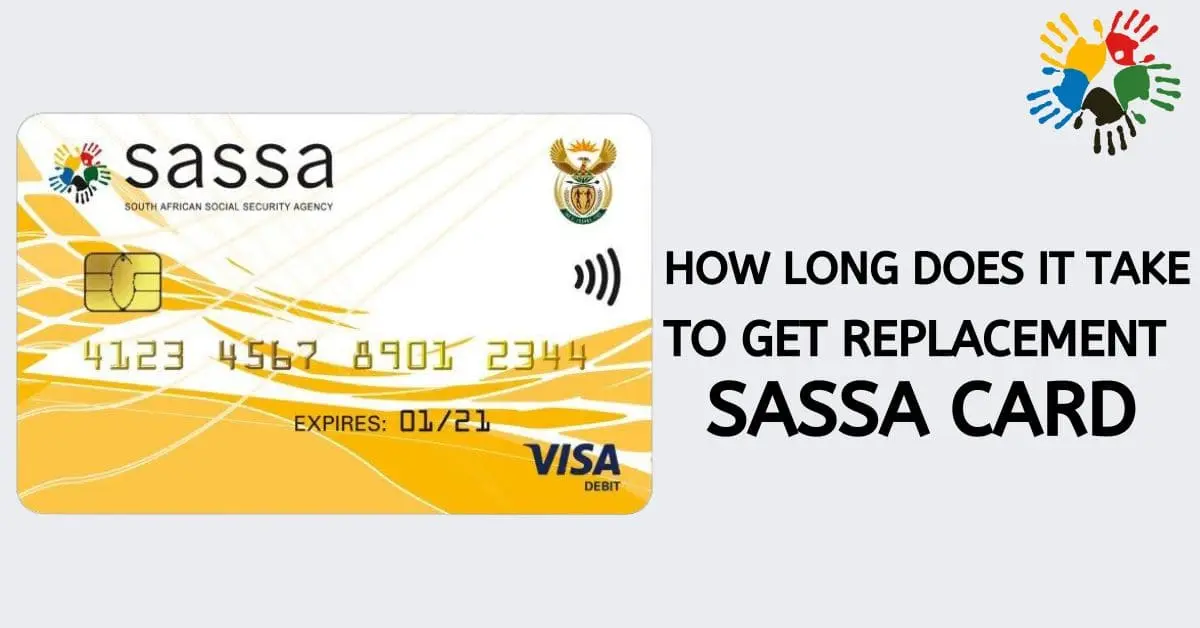
You can also use your SASSA card to access your funds from an Absa ATM. This card is similar to bank-issued debit cards, and you can use it to withdraw money from certain banks, including Absa and selected supermarkets. A cash transfer option, which is done through a cell phone, allows you to cash it at the bank. The Absa cash send facility also allows you to receive your SASSA grant from an Absa ATM.
How to Withdraw SASSA Relief Fund From Absa ATM
When you have a SASSA card or bank card, you can use it to withdraw your money from the ATM by following a few steps.
- Visit your nearest Absa ATM and insert the card inside a slot with green flashing light around it
- Enter your PIN and never divulge it to any third party
- Select the type of account (Check or current)
- Enter the amount you want to withdraw
- The ATM will process your transaction while you wait
- Take your card first, then the money
If you don’t have a bank account, you can use the ABSA cash send facility, which involves using your mobile phone to perform transactions at the ATM. However, you can change this payment method to banking by visiting https://srd.sassa.gov.za. You can only change to this payment facility when you open a bank account. Remember, SASSA does not pay money into someone’s account. Therefore, your bank account and mobile number must be registered in your name to easily access your money from the ATM.
How Much Does Absa Charge for SASSA Withdrawal?
ATM cash withdrawals attract a nominal fee, which varies depending on your account type. For instance, if you are a SASSA grant beneficiary, the type of account you can have at ABSA is the Transact Account. This is an entry-level bank account and the most affordable. It consists of a monthly fee of R4.90, and fees for withdrawals and other charges are also reasonable.
To withdraw your SASSA funds from an ABSA ATM, you will be charged R10 per R1000. Till-point cash withdrawals and card swipes are free, and these are the cheapest forms of accessing your grant. ABSA cash send facility costs R10 per R1 000 on the ATM or digital banking.
Balance inquiries through the ATM are free, allowing you to check if your payment has been processed. You can also obtain a mini statement from the ATM for R10 or a full statement for R20.
How Can I Withdraw Money From SASSA ATM Without a Card?
You can withdraw money from SASSA through an ATM even when you do not have a card. The payment options that allow you to get money from the ATM without a card include ABSA’s Cash send or FNB’s E-Wallet.
You can go to the nearest ATM of a partner bank to withdraw your grant money without using your ATM card. All you need is your mobile number which you used to apply for the SASSA grant. The phone number must be registered in your name or RICA registered to prevent fraud. Using your mobile registered number also makes verification easier since SASSA wants to ensure qualified applicants can get their payments in verified accounts.
You cannot receive SASSA grant payment using someone’s mobile number. Once SASSA fails to verify your number, there is no way you can use E-wallet or Cash Send payment options without using an ATM. With these options, your money is sent to your registered mobile number. You can cash the funds at a specific ATM using a unique PIN specifically meant for that transaction.
If the money is deposited into your account, but you do not have a card, you can use the E-wallet service to withdraw the money from an ATM. To use this service, you must have a smartphone and a mobile banking app for FNB installed. Make sure your phone has mobile data before you perform an e-wallet transaction.
Send the money to your phone number, and you will get a six-digit PIN code which you will use to withdraw money from the ATM. Once you receive this unique code, make sure you keep it in a safe place. Another thing you should know is that the temporary PIN you receive will expire after 24 hours. Therefore, before you perform an e-wallet transaction, make sure you will go to the ATM before the expiry of the PIN. You may be forced to repeat the process if the PIN expires before withdrawing your money.
SASSA grant beneficiaries can use different methods to withdraw their payments. If you don’t have a bank account, you can use your SASSA card to withdraw your funds from ABSA ATM or other selected banks and supermarkets. You can also use services such as Cash Send and E-wallet to withdraw your money from different ATMs without using a card. Ensure you use your mobile registered number to use these cardless ATM withdrawal services. More importantly, you should know how to use an ATM to make the process seamless.