An EMP601 is a Tax Certificate Cancellation Declaration that employers who are registered for PAYE, UIF, or SDL need to submit to SARS when they cancel or correct any employee tax certificates (IRP5/IT3(a)) that they have issued during the tax year. The EMP601 is used to reconcile the employer’s monthly declarations (EMP201) with the employee tax certificates and to avoid any penalties or interest for incorrect or late submissions. The EMP601 must be submitted with the Employer Reconciliation Declaration (EMP501) and the corrected or canceled employee tax certificates. This article will explain how to submit an EMP601, what it is, the difference between EMP201 and EMP601, and what the minimum salary to pay tax is in South Africa.
How do I submit an EMP601?
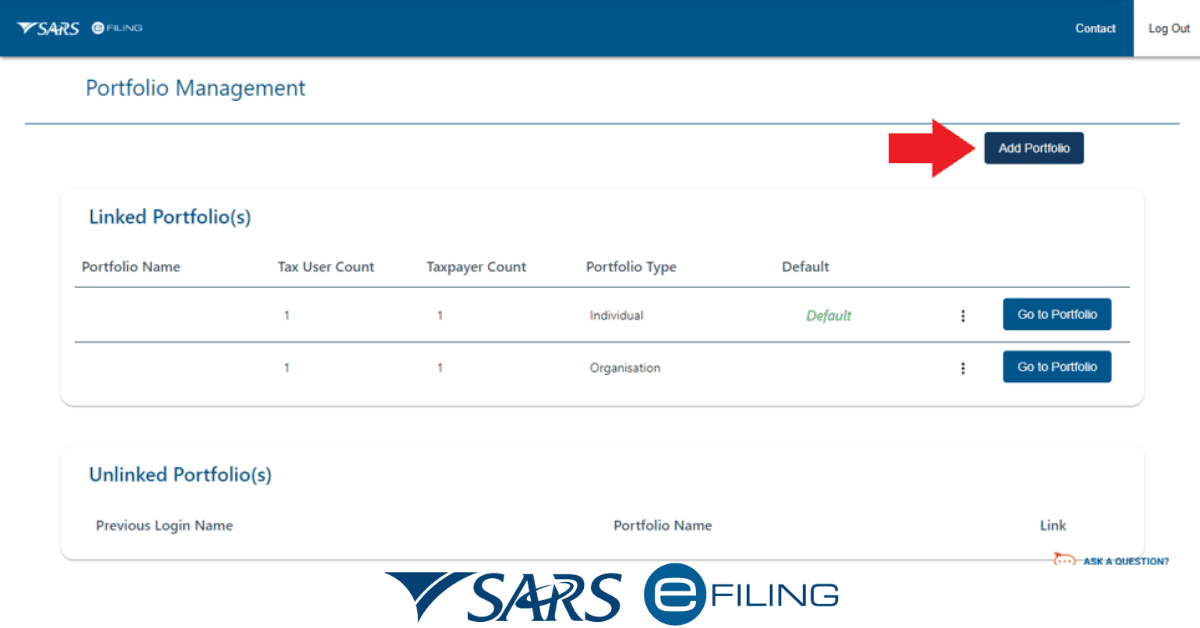
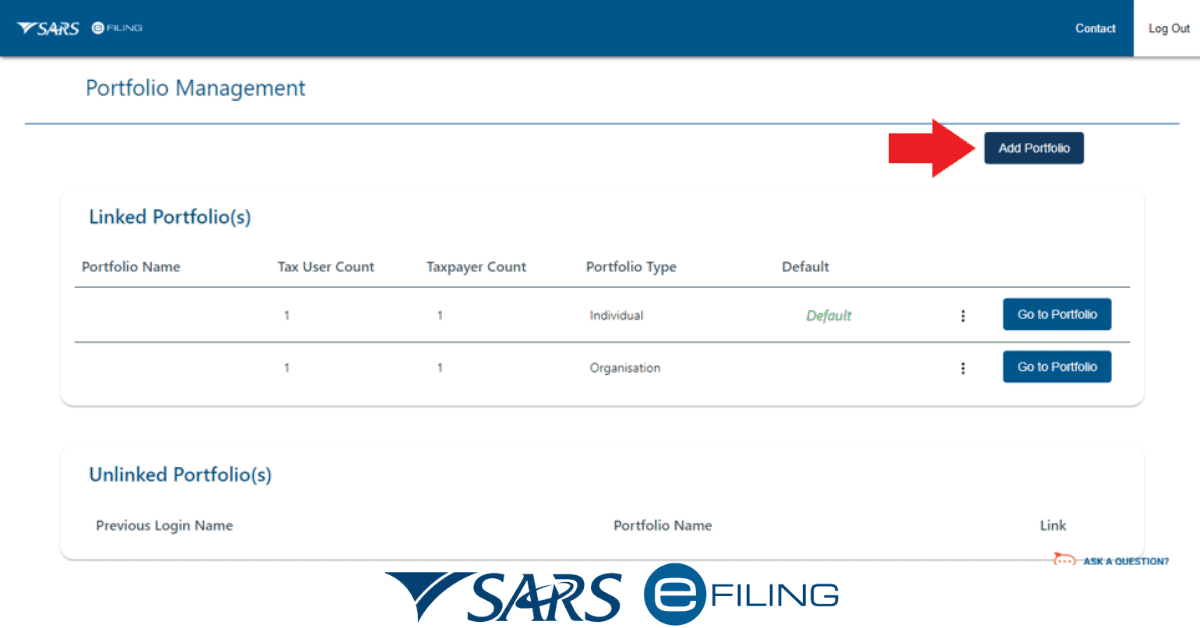
The EMP601 can be submitted electronically via eFiling Employer or manually at a SARS branch. Electronic submission is the most preferred as it is faster, more convenient, and more secure. The steps to submit an EMP601 electronically are as follows:
- Log in to eFiling or e@syFile™ Employer and select the EMP501 option.
- Capture the EMP501 details and generate the IRP5/IT3(a) certificates for the relevant period.
- Identify the certificates that need to be canceled or corrected and capture the reason for cancellation or correction.
- Generate the EMP601 and verify the details.
- Submit the EMP501, EMP601, and the corrected or canceled certificates to SARS.
- Print the confirmation text and store it for your references.
The steps to submit an EMP601 manually are as follows:
- Visit a SARS branch and request an EMP601 form.
- Fill in the EMP601 form with the relevant details and attach the corrected or canceled certificates.
- Submit the EMP601 form, the corrected or canceled certificates, and the EMP501 form to the SARS agent.
- Secure a receipt and store it for your references.
What is an EMP601?
An EMP601 is a Tax Certificate Cancellation Declaration that employers who are registered for PAYE, UIF, or SDL need to submit to SARS when they cancel or correct any employee tax certificates (IRP5/IT3(a)) that they have issued during the tax year. The EMP601 is used to reconcile the employer’s monthly declarations (EMP201) with the employee tax certificates and to avoid any penalties or interest for incorrect or late submissions. This EMP601 contains the following information:
- The employer’s details, including name, tax reference number, PAYE number, UIF number, and SDL number.
- The tax year and the reconciliation period for which the EMP601 is submitted.
- The number and total value of the canceled or corrected certificates.
- The reason for cancellation or correction of each certificate, such as a duplicate, incorrect, or fraudulent certificate.
- The declaration and signature of the employer or the representative.
What is the difference between EMP201 and EMP601?
The EMP201 is a Monthly Employer Declaration that employers who are registered for PAYE, UIF, or SDL need to submit to SARS every month, showing the total amount of tax that they have deducted or withheld from their employees’ salaries and the allocations for PAYE, UIF, SDL and/or ETI. The EMP201 also shows the payment reference number (PRN) the employer must use to pay SARS. In addition, the EMP201 must be submitted and paid within 7 days after the end of each month.
On the other hand, the EMP601 is a Tax Certificate Cancellation Declaration that employers who are registered for PAYE, UIF, or SDL need to submit to SARS when they cancel or correct any employee tax certificates (IRP5/IT3(a)) that they have issued during the tax year. The EMP601 is used to reconcile the employer’s monthly declarations (EMP201) with the employee tax certificates and to avoid any penalties or interest for incorrect or late submissions. This EMP601 must be submitted with the Employer Reconciliation Declaration (EMP501) and the corrected or canceled employee tax certificates.
The main difference between EMP201 and EMP601 is that the EMP201 is a monthly declaration of the tax that the employer has deducted or withheld from the employees’ salaries, while the EMP601 is a declaration of the cancellation or correction of the employee tax certificates that the employer has issued during the tax year.
What is the minimum earning to pay tax in South Africa?
The minimum earnings to discharge tax in South Africa relies on a person’s age and tariff year. For the 2026 tariff year (1 March 2026 to 28 February 2026), the tariff brackets are as follows:
- R91,250 if the individual is younger than 65 years.
- R141,250 if the individual is 65 or older but younger than 75.
- R157,900 if the individual is 75 years or older.
This denotes that if the guy obtains less than the tariff threshold for their age class, they do not need to discharge the income tariff in South Africa. However, they may still have to register as a taxpayer and forward a tariff return if they meet specific criteria, such as having an allowance, working with more than one business, or receiving interest beyond a certain figure.