Are you figuring out how to register with SARS online? If so, you’ve visited the right place!
This blog post will cover everything you need to know about registering with SARS online, including the documents you must submit and the amount you earn to be eligible for registration.
We’ll also let you know how to tell if you are registered with SARS, how long SARS verification takes, how to get a SARS tax certificate
How To Register With SARS Online?
Registering with the South African Revenue Service (SARS) is a straightforward process that you can complete online in simple steps.
However, before beginning the registration process, ensure you have the following documents: proof of identity, banking details, and supporting documents for any income you’ve earned or expenditure you’ve incurred.
To register with SARS online, follow these steps:
- First, visit the SARS website and click the “Register Now” button.
- Next, enter personal details, including your ID or passport number.
- Then, provide banking information so SARS can issue you a tax certificate once registered.
- Enter details regarding any income you’ve earned or expenditure you’ve incurred. This information will help determine how much tax you must pay or how much you may be owed back.
- Submit your application and wait for verification from SARS. This process can take up to three weeks but usually only takes a few days.
- Once your application has been verified, you will be issued a tax certificate proving that you are registered with SARS.
Documents Needed To Register For SARS
To register for SARS online, you need to have the following documents:
- A valid South African identity document or card
- Your Tax Number
- Bank account details
- Physical address
- Contact information, including email address and telephone number
How Much Must You Earn To Register With SARS
Before you can register for SARS online, you must first determine how much you need to earn to qualify for registration. The 2026 tax threshold is currently set at R91 250 for those below 65 or R141 250 for those below 75 but above 65 years old.
Therefore, if you are an individual with a turnover of less than R91 250, you may not be required to register with SARS.
How Do You Know If You’re Registered With SARS
If you don’t know if you are registered with SARS, you can find out by visiting their website. Once logged in, you can view your registration status and other personal information about your account.
Alternatively, you can call the SARS Contact Centre at 0800 00 7277 for assistance. If you are already registered with SARS, you will receive a confirmation email or letter detailing your registration.
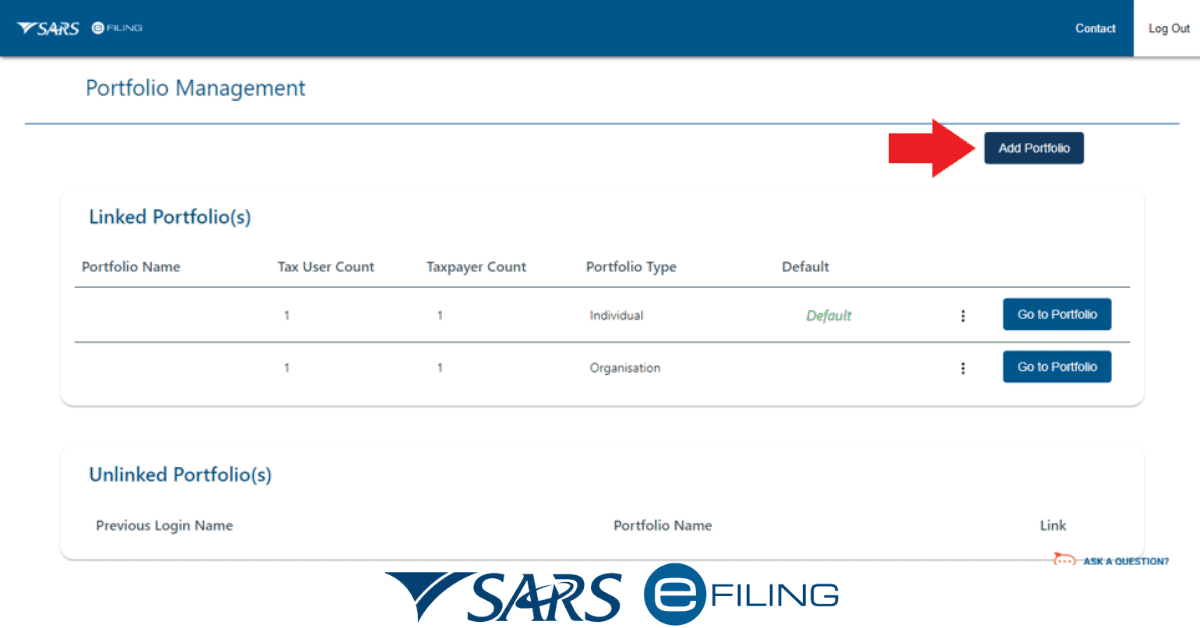
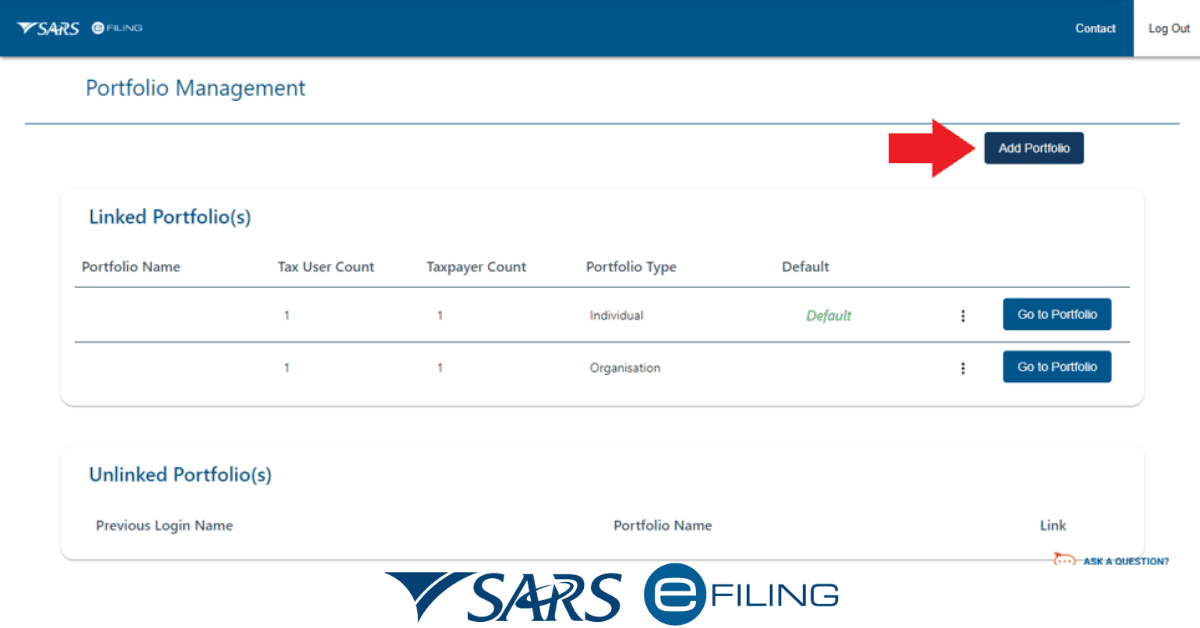
You may also be required to register for eFiling when doing your tax returns. This online system allows taxpayers to submit their tax returns electronically and view their financial information.
You can find out if you need to register for eFiling by accessing the eFiling portal on the SARS website. Once logged in, you can view your registration status and other relevant information regarding eFiling.
How Long Does SARS Verification Take
The time it takes to complete SARS verification depends on how you register with them. If you register online, the process usually takes fewer days. However, if you choose to register via paper forms, it may take up to 21 days to receive a response from SARS.
Once SARS has received and processed your application, they will send you a confirmation email, usually within 24 hours.
If you don’t receive an email, it is best to contact SARS directly to ensure that your application was collected and is being processed.
Other factors may also affect the time it takes for SARS to verify your application. For example, if you have provided incomplete information or submitted inappropriate documents, SARS may require additional information or documents before they can approve your registration.
How Do I Get A SARS Tax Certificate
Getting a SARS tax certificate is a simple process that requires minimal paperwork. To get a SARS tax certificate, you must register with SARS and have your tax clearance certificate.
Once registered with SARS, you can apply for a SARS tax certificate through the eFiling system. This process requires logging in to your eFiling account and selecting the “Apply for Tax Clearance Certificate” option. You will then be required to fill out the relevant application form, provide all requested documents, and submit your application.
Once your application has been successfully submitted, SARS will review your application and may contact you for more information. After reviewing your application, SARS will either grant or reject your application for a SARS tax certificate. If your application is granted, you will be issued a SARS tax certificate that you can use for various purposes, such as visa applications, bank loan applications, etc.
When Should You Register For eFiling?
It is crucial to understand when you should register for eFiling with SARS. Generally speaking, if you are a South African taxpayer and are legally liable to submit a tax return, then you must register for eFiling.
For individuals who are required to submit an annual income tax return, registration for eFiling is usually done when you submit your first return. However, you can also do it at any time during the year when taxpayers must submit additional returns or documentation to SARS.
For companies and trusts, it is essential to register for eFiling within 28 days of becoming liable for income tax. This step will ensure that all relevant tax returns and payments are submitted on time.
Conclusion
Registering with SARS online is simple and convenient. Gather the necessary documents, determine how much you must earn to register, and register for eFiling.
Knowing if you are registered with SARS and getting your SARS tax certificate will help ensure that you remain compliant with the South African Revenue Service. In addition, doing all this will help to streamline your tax filing process and make it easier to stay on top of your taxes.