The Unemployment Insurance Fund (UIF) in South Africa can be traced back to 1966, when the first Unemployment Insurance Act was passed.
Yet, its payouts and reach to the country’s demographic were elusive and restrictive at best.
It wasn’t until the turn of the century, back in 1996, that the UIF was expanded upon by the government to encompass all of South Africa’s inhabitants and fulfil the principle of equal rights.
This was achieved by rebranding the UIF in accordance with the Unemployment Insurance Act (No. 108) of 1996.
Further legislative frameworks would be developed in the coming years, which would expand upon the scheme’s mandate and mode of operation.
These would be the Unemployment Insurance Act, 2001 (the UI Act), and the Unemployment Insurance Contributions Act, 2002 (the UIC Act).
Under the new legal framework, the UIF is mandated to give short-term relief to workers in the event they become unemployed because of maternity, adoption, parental leave, or illness.
This article adds to that mandate by explaining the ins and outs of applying for a UIF letter of good standing.
How to apply for UIF letter of good standing?
A UIF letter of good standing or compliance certificate is a form of official documentation from the scheme to employers.
The document confirms that said the employer was complying with all the UIF requirements at the date of issuing the certificate.
It is also necessary should your employees wish to lodge a claim with the UIF for benefits in the case of an illness or maternity-related work disruption.
And should your company wish to apply for a government tender, having a letter of good standing is one of the prerequisites to legally doing business with the government?
To successfully receive a UIF letter of good standing, employers must gather the necessary information, such as ID numbers and addresses of employers and workers.
And be ready to present this information to a UIF representative prior to visiting a Labour Centre in person.
Get the UI-8 or UI-8D and UI-19 forms from your nearest Department of Labour office.
Employers must go on to complete the necessary forms for both themselves and your employees.
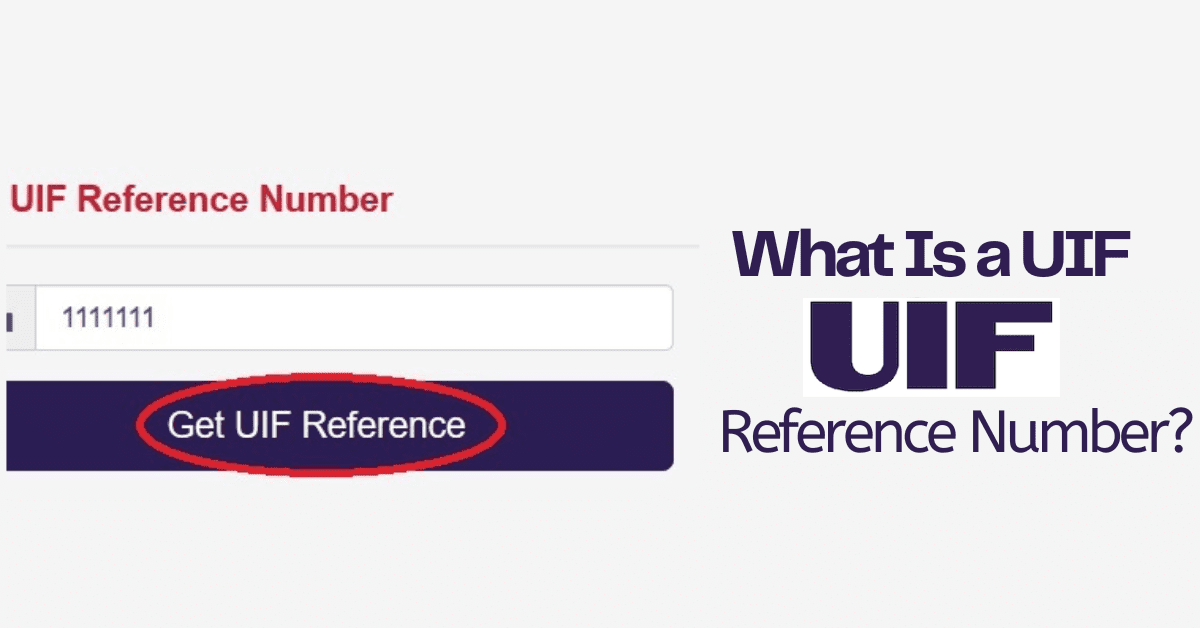
This form of registration of workers requires an employer have a reference number.
However, if an employer does not have a reference number yet, this part can be left open.
The UIF will create a reference number on your behalf and send it to you. Once you have completed the necessary forms, hand them in to the labour centre.
Once you have undergone the abovementioned steps, you can then proceed to download the application letter for a certificate of compliance/ letter of good standing.
And submit it to your nearest labour centre with the correct details.
How do I get my UIF letter online?
Getting your UIF compliance certificate online is a simple process designed to streamline the process of registering with the scheme.
The service is free and can be used by employers, agents, and tax practitioners with the relevant power of authority.
Simply visit the UIF compliance certificate website by clicking on the following address: uifcompliance.labour.gov.za.
Once you have been directed to their site’s homepage, click on the “Login” option.
This will initiate a prompt requiring certain information such as ID number, password, UIF reference number.
Accept the terms and conditions of the online portal, click on the “Generate Certificate” option, and finish the process by clicking on “Confirm.”
Your certificate will be generated by the system. You can download your certificate as a PDF or print it as a document.
How long does it take to get a UIF certificate?
Should the employer’s declarations and contributions for his workers be up to date, they will be issued with a compliance certificate within ten working days from the receipt of the request.
If the above is not up to date, you will be requested to update your compliance status within 30 calendar days, the failure of which will result in your matter being referred to the UIF’s Employer Audit Services for audit.
What is an e-compliance certificate?
The e-compliance certificate (eCC) system is the modern-day alternative to the age-old practice of manually applying for compliance certificates and all the unnecessary hassle that it entails.
The e-compliance certificate system is a free online service that completely replaces the manual application of compliance certificates.
The system is open to all employers, agents, or tax practitioners to easily use the ECC system to apply for compliance documents online and validate the authenticity of compliance certificates.
How do I renew my UIF compliance certificate?
All compliance certificates issued by the UIF are valid for 12 months from the date that they are successfully registered by the scheme.
Once that 12-month period has elapsed, employers must register once again for a UIF compliance certificate, either through the uFilling system or in person at your nearest labour department centre.
A circular was released by the Department of Employment and Labour earlier this year.
In it, they temporarily suspended the requirement for a compliance certificate as proof of compliance with the unemployment insurance act 63 of 2001.
This circular NO. 2B/2026 was drafted in the interest of the country’s economic recovery initiatives and as an attempt to speed up service delivery.
The circular, which temporarily replaces Circular No. 02/2026 issued on 23 March 2026.
It suspends the issuing and the requirement from companies for a compliance certificate as proof of compliance with UIF legislation.
It also means that a compliance certificate is no longer a condition for doing business with the UIF, government departments, public entities, organs of state, and private companies.
How do you check that you are registered for UIF?
To check if you are registered for UIF, you can access their website through a device with internet connectivity at the following address: www.ufiling.co.za.
Once you have been directed to their homepage, click on the “register” option.
You will then have to choose between email or SMS verification. Once you have chosen, proceed to answer the verification questions as a security measure.
Fill in the personal details that will be asked of you. Log into the UIF website once more using the details you just set up.
Now with an active profile, go to the “Employment” tab and click on “View My UIF Contributions.”
Click on the “Get Declarations” option. This will take you to a screen with many months listed.
This screen will indicate whether you were registered for the UIF, and alternative measures can then be taken from there.