For an application to be processed and approved, it is important to complete all sections and attach the required documents. The process of applying for NSFAS is a simple process, but the point of getting the approval can take time. The importance of having your NSFAS processed and approved is to get the needed funds for your tertiary education.
NSFAS, as the government bursary, provides support for students looking to finance their tertiary education through the government’s support. For many years, NSFAS has provided grants and loans for students. At this point, their bursary has surpassed loan giving and giving full grants that require students to pay no or small amount. The prerequisite of the NSFAS grant is not complicated; all that is needed is to submit your details and ensure you have documents to prove you can not afford your tertiary education,
The final part, the SOP/LAF, must be completed with all these. And as it is known, the terms and conditions set out the rules pertaining to the offer. Accepting these rules confirms your application and indicates you are ready to close the deal.
In this article, we will be looking at what SOP/LAF means, how to sign an NSFAS SOP or LAF, and any other issues relating to the LAF/SOP.
What does SOF/LAF mean?
Students who are financially disadvantaged and are looking for financial assistance can count on NSFAS to help them. The distribution of this document is one of the practical and sustainable ways to guarantee that students are aware of the responsibilities that lie ahead. Students are required to sign a legally binding document known as the LAF NSFAS, which is provided by NSFAS.
Your signature on this document ensures that your money will be transferred as soon as possible. After the NSFAS application you submitted has been accepted, you will need to keep an eye out for the LAF document. On the LAF, the terms and conditions are clearly spelt out to confirm that you have agreed to receive funding from NSFAS to support your tertiary education and then pay it back in accordance with the terms of the agreement.
The NSFAS provides students with a document known as the schedule of particulars, which they are required to fill out and indicate their acceptance of all of the terms. The SOP requests particulars regarding students, including their contact information, educational program, and bursary details. In general, having this certification entitles you to receive loans and allows you to finish your NSFAS application.
Applicants are required to sign a document and provide a witness in order to demonstrate that they have read and agreed to all of the terms provided by NSFAS.
How to sign NSFAS SOP or LAF
Students receiving funding from the NSFAS for the first time are required to sign a bursary agreement form for the NSFAS.
Since the beginning of this bursary, numerous documents have been produced by the national student financial aid scheme in order to ensure that applicants and any other third parties understand the program’s goals. In addition to that, we need to document these practices and find a way to make them conform to legal standards.
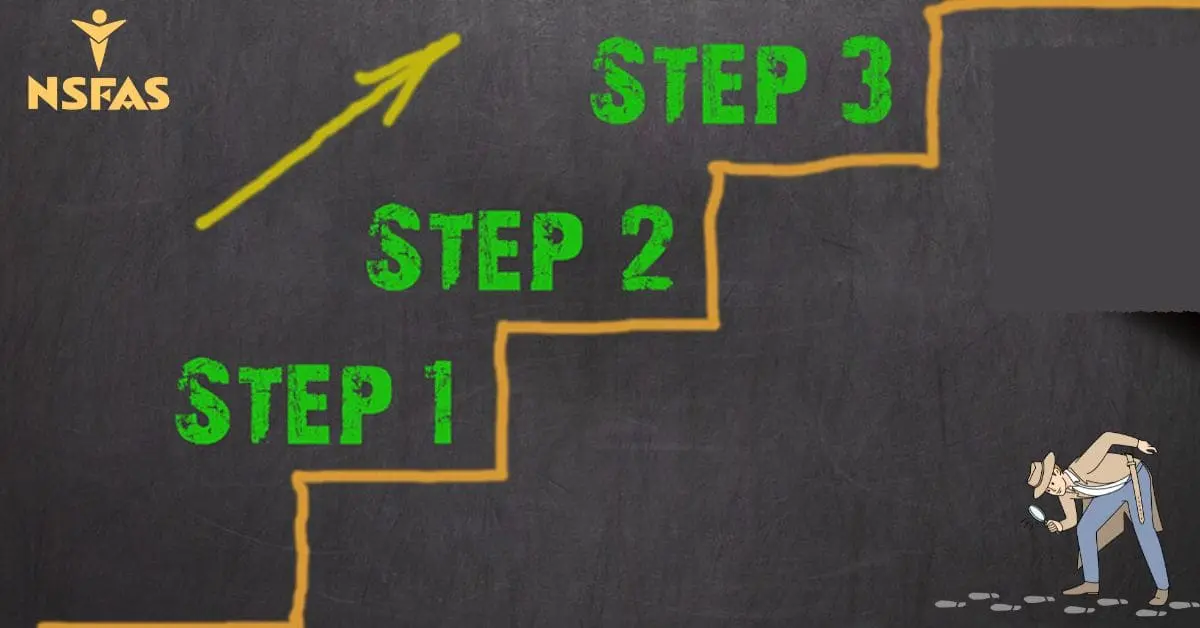
Students who are required to sign the SOP/LAF can follow these steps.
Step 1: Visit the official website of NSFAS, which is www.nsfas.org.za
Step 2: Login into your account with your credentials
Step 3: locate the “SIGN YOUR SOP/LAF” link
Step 4: Click on the link to receive your One Time PIN
Step 5: you will receive your one-time PIN on the mobile number associated with your NSFAS registration
Step 6: When you are finished, you will see on the screen that the Terms and Conditions have been submitted. This means you have signed your NSFAS bursary agreement successfully. If you are under the age of 18, your parent or legal guardian should sign on your behalf.
What does NSFAS SOP LAF receive mean?
Students or applicants who are interested in receiving funding from the NSFAS are required to sign the LAF/SOP. As you are aware, the status of the NSFAS application symbolizes the phases one has to take action in order to move forward. If your LAF/SOP has been received in the NSFAS application, this indicates that the necessary paperwork has been signed and sent to NSFAS.
The application process for the NSFAS has reached its second-to-last stage. Once NSFAS notifies you that the LAF/SOP has been received, you may rest assured that the monies will shortly be deposited into your account.
Where do you sign the SOP?
To sign your Schedules of Particulars, NSFAS will send you an SMS or email (SOP). It is required to sign the SOP online; you can find the terms and conditions of the bursary on the official website of NSFAS.
What are LAF and SOP?
Information about students, such as their names, addresses, majors, and financial needs, is requested in the SOP/LAF. This endorsement makes it possible to apply for loans and complete the NSFAS process. In order to show that they have read and accepted all of the terms offered by NSFAS, applicants must sign a form and produce a witness.
The SOP requests information from students such as their name, email address, major, and the amount of financial aid sought. With this verification in hand, you can confidently apply for loans and complete your NSFAS profile. Applicants must sign a form and provide a witness to demonstrate that they have read and agreed to all the terms offered by NSFAS.
What does LAF mean on NSFAS status?
NSFAS uses status progress to denote the stage an application has reached. Essentially, it’s a data submission “ladder,” where each rung symbolizes an increasing level of detail. This is a required step in the NSFAS application process. It’s possible that a user may run into the acronym LAF/SOP while using the program and will be left wondering what it stands for.
The NSFAS status of a LAF/SOP means that it is complete and can be signed. NSFAS provides applicants with a loan agreement form to sign before any money is transferred to their accounts. Now that your NSFAS application is in “Pending,” you can officially submit the LAF/SOP by signing the necessary paperwork. To move forward with your NSFAS application, you must first sign and submit the LAF/SOP.
How long does NSFAS take to pay after signing the SOP?
It is also important to remember that the NSFAS applications might be very detailed; hence, it will be necessary to investigate the process. Because of the possibility that this will cause a delay in the delivery of your payments, a specific date might not be given.
If you sign the agreements, receiving your allowance from NSFAS should take fewer than 35 days. If, after six weeks, you have yet to receive your allowance, you will be required to get in touch with NSFAS to acquire additional information on the matter.
Both of these documents are related to the NSFAS loan agreements. To obtain funding, the applicant must complete and sign both of these documents. It shouldn’t take more than 30 days from the time your application is approved to acquire these two items.
A document known as the national student financial aid system bursary agreement form needs to be signed in order to be valid. Students who have applied for funding through the NSFAS and are waiting to hear back from the agency must sign this paper.